You are a printer.
Do you own a UV flatbed printer? Good news – without changing your equipment, you can generate new business and impress your customers with results that make all the difference. Get a head start.
Discover the technology →
Experts in optical printing since2008
No lenticular plates, no lamination, no new machinery. Just your press and a licence. Popims LensPrinter allows you to print the lenses, using UV varnish, directly onto the substrate, only where you want them.
Certified on Canon, Durst, Fujifilm, Agfa, swissQprint and Vanguard presses.






Do you own a UV flatbed printer? Good news – without changing your equipment, you can generate new business and impress your customers with results that make all the difference. Get a head start.
Discover the technology →Agencies and creatives, add texture and unique depth to your campaigns. Prepare your visuals online and entrust their printing to a licensed 3D specialist printer.
Agencies & Creatives Area ↗You manufacture and distribute flatbed printers. Help them embrace the 3D revolution with the brand-new Popims Interlacer software.
Partners’ Area ↗TECHNOLOGY
Using your visuals, Popims’ Interlacer generates a coded image and lenses tailored to your substrate and the desired effect. Preview and adjust for the best possible final result. Using a compatible UV flatbed printer, the image and lenses are printed directly onto any transparent substrate.
The lenses direct light towards the viewer: depending on the viewing angle, the image reveals depth or different views of an animation. The preparation of the visual and the chosen medium determine the final result. Popims Interlacer – finally, the software that allows you to create 3D animations, preview them, optimise them and print them.
The process begins in Photoshop: 1 – Prepare your file with different layers, 2 – Import it into Popims Interlacer to adjust the effects and prepare the print files, 3 – Proceed to print on a compatible UV flatbed press, either in your workshop or at a licensed print shop.
Find out more about the software →THE SOFTWARE TO CREATE · THE LICENCE TO PRINT
Create your visuals in Popims Interlacer, adjust the effects and preview the result.
Choose the dimensions and thickness of the substrate, animate your layers, embed your videos or convert a simple JPEG into 3, then Popims’ Interlacer generates the image and the lenses for printing.

Popims’s Printer licence for Interlacer enables licensed printers to print animations, colour changes, embossed images and 3D moiré patterns using Popims LensPrinter technology and a compatible press.
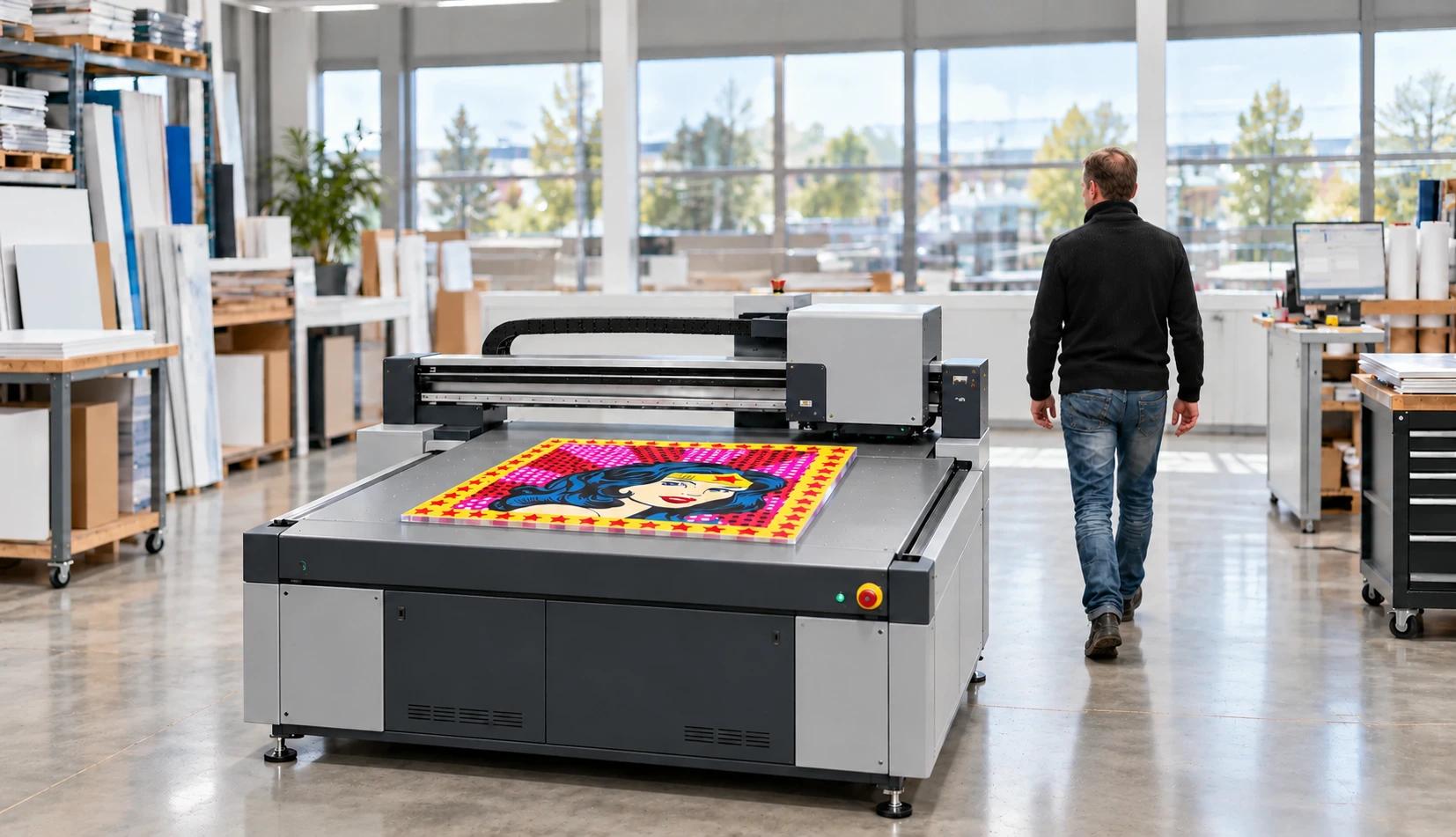
Discover what you can offer your customers with Popims’ LensPrinter technology and a compatible press, from embossed designs to transforming images.
Once the project is finalised, share it with your preferred printer to obtain a printing quote.
Your printer must meet all four of these requirements. Check which options are actually installed on your machine.
A flatbed printer for printing onto a rigid, transparent substrate.
Precise alignment of the prints on both sides of the substrate, with particular attention to the angle.
A setup capable of applying glossy UV varnish (more generally, the ability to adjust the intensity of the UV curing).
The ability to precisely layer multiple coats of varnish to form the lenses.

Print the interlaced image generated by the software onto the transparent rigid substrate at 1 200 or 1 440 dpi, exported as a RIP-ready PDF, without any loss of quality.

Print the support white.

Turn the plate over. The UV varnish is applied selectively, in the form of thousands of microlenses, directly where the 3D moiré effect, animation or true 3D image is to appear.
Certification applies to certain models and configurations. The brand name alone is not sufficient to confirm the compatibility of your press.
Check compatibilitySAMPLE TRANSLATIONS
A selection of projects for point-of-sale advertising, art and signage. The examples are printed using UV inkjet technology onto acrylic or PET substrates, using certified flatbed printers.
Applications include: bus shelters and outdoor display, point-of-sale advertising, signage, art and limited editions, packaging and labels, and exhibition stand graphics.
View all prints ↗QUESTIONS TO ASK BEFORE YOU START
The brand alone is not enough: the model, configuration and varnish are crucial. Check your equipment before choosing a licence.
There is a dedicated interface for each type of user: printer, designer, manufacturer/distributor.
The annual licence covers twelve months. To renew, choose the offer that suits you best.
Yes, go straight to the offers.
The printer licence covers two users: an admin to set up your printer page and process quotes, and a designer/printer to generate the encoded images, edit them and print them.
Is your reseller certified? They will provide you with support. Otherwise, you can ask questions directly within the software. You can also send us your requirements for further updates.
YOUR NEXT DIMENSION STARTS HERE